

The most common causes
Booking.com iCal issues are usually caused by setup problems, not by one mysterious failure.
The host often imports the Booking.com feed but forgets to export Plan4Host availability back, or maps the wrong unit.
- wrong room or unit selected
- import link added, but no export link back
- expecting immediate refresh from iCal
- checking multiple calendars instead of one main view
What to check first
The fastest troubleshooting path is operational. Verify the real room mapping first, then confirm both directions of sync.
After that, check whether the booking appears in the synced calendar before assuming the sync is broken.
- confirm the Booking.com iCal export URL is correct
- check that the same room exists in Plan4Host
- verify Plan4Host export is also added back into Booking.com
- look for the reservation inside one synced calendar view
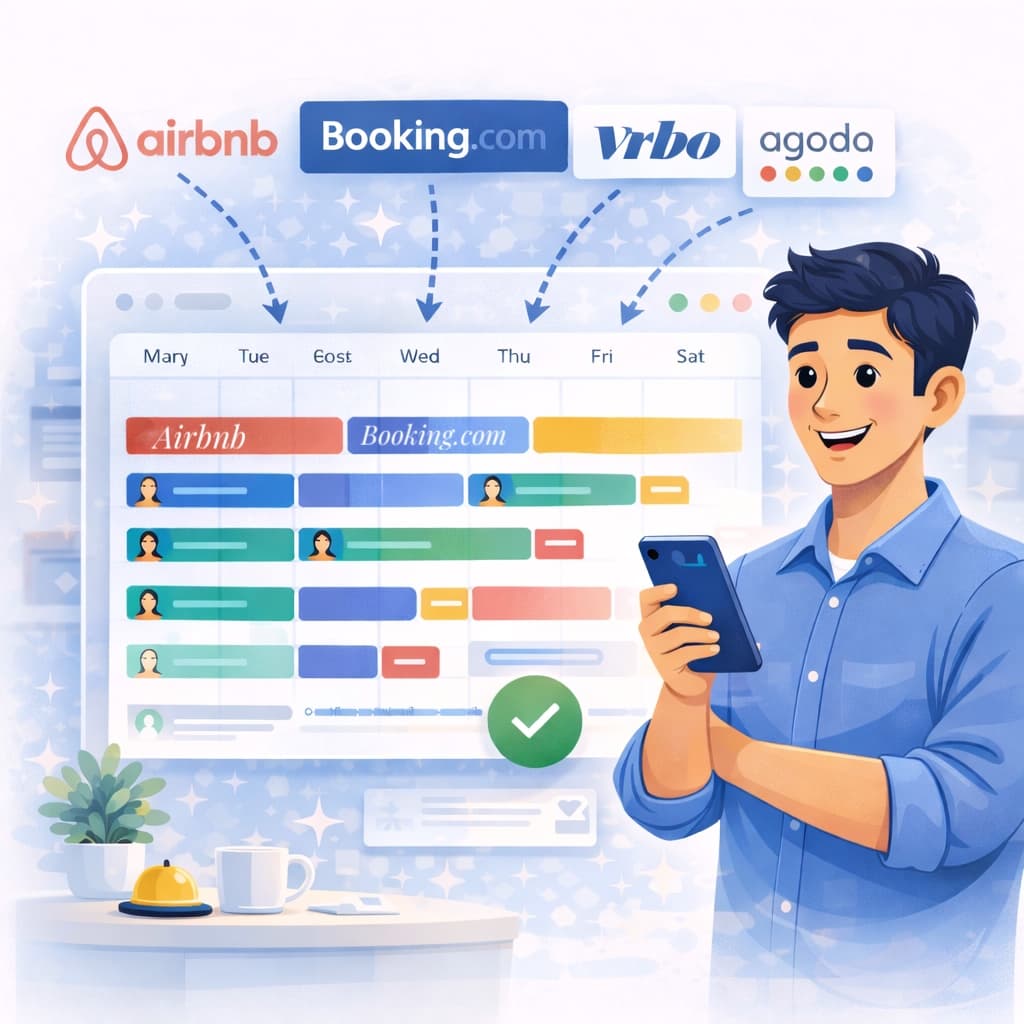

What iCal can and cannot do
iCal is useful, but it is not the same as a full real-time API channel manager. That distinction matters when troubleshooting.
If you understand that iCal handles reservation timing and availability flow rather than instant price logic, the behavior is easier to read correctly.
- good for reservations and blocked dates
- not designed for instant price automation
- best used with clear room mapping and one clear operating view
Frequently asked questions
Why does Booking.com iCal seem delayed?
Because iCal is not a real-time API sync. Updates can take time, so clean setup and one verification view matter.
What should I check first if Booking.com iCal is not syncing?
Check the room mapping, the Booking.com export URL, and whether Plan4Host availability is also exported back into Booking.com.
Can Plan4Host fix a wrong OTA room structure automatically?
No. The room structure still needs to be mapped correctly by the host.
Where should I verify the reservation first?
In one synced calendar view. It is easier to troubleshoot there than across several tabs.
Troubleshoot the workflow, not just the link
Most Booking.com iCal issues become much easier once you verify the room structure, the two-way links, and the reservation in one clear calendar view.