Online check-in for accommodation
Online check-in is one of the simplest ways for hosts to reduce guest messages, stress, and time wastedbefore arrival. Instead of repeated conversations, guests submit the required details online, before they reach the property.
What online check-in means for guests
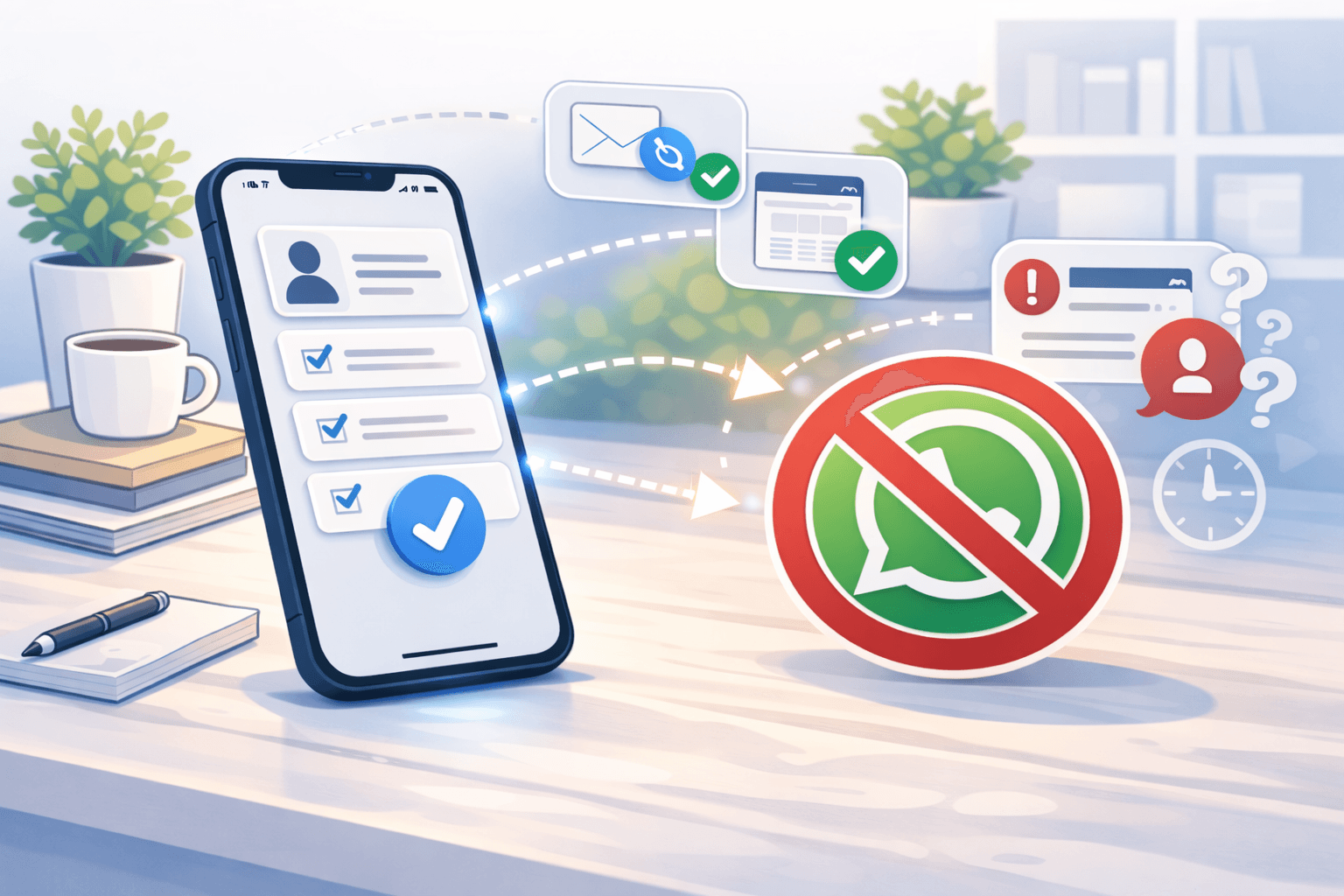
Online check-in means the guest receives a link where they complete the needed information before arrival. No separate messages, no last-minute WhatsApp photos, and no stressful back-and-forth.
In simple terms, it’s a digital check-in form to collect guest details online.
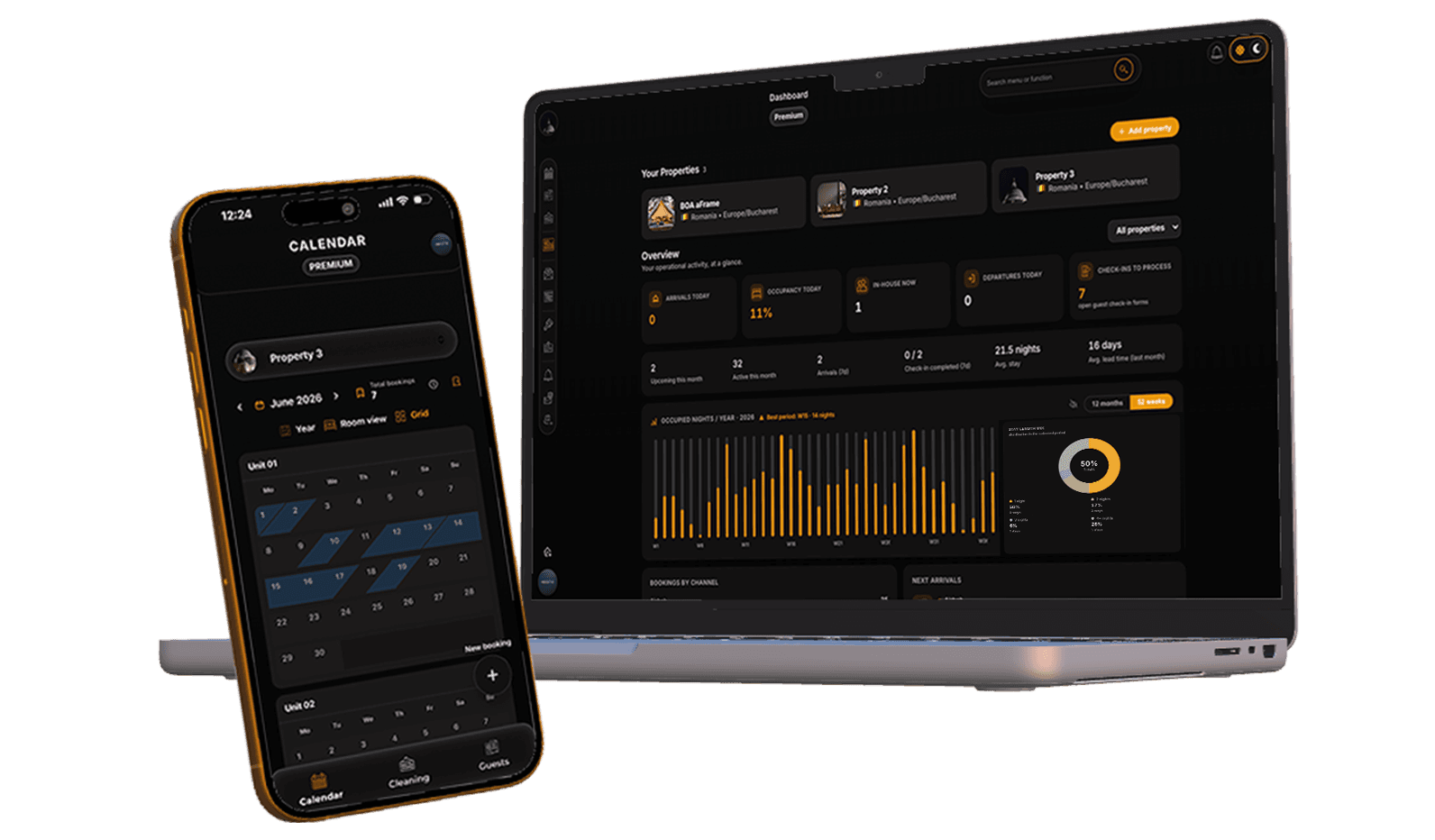
For the guest, the process is simple and clear. For the host, everything stays organized in one place.
Online check-in for Airbnb and Booking
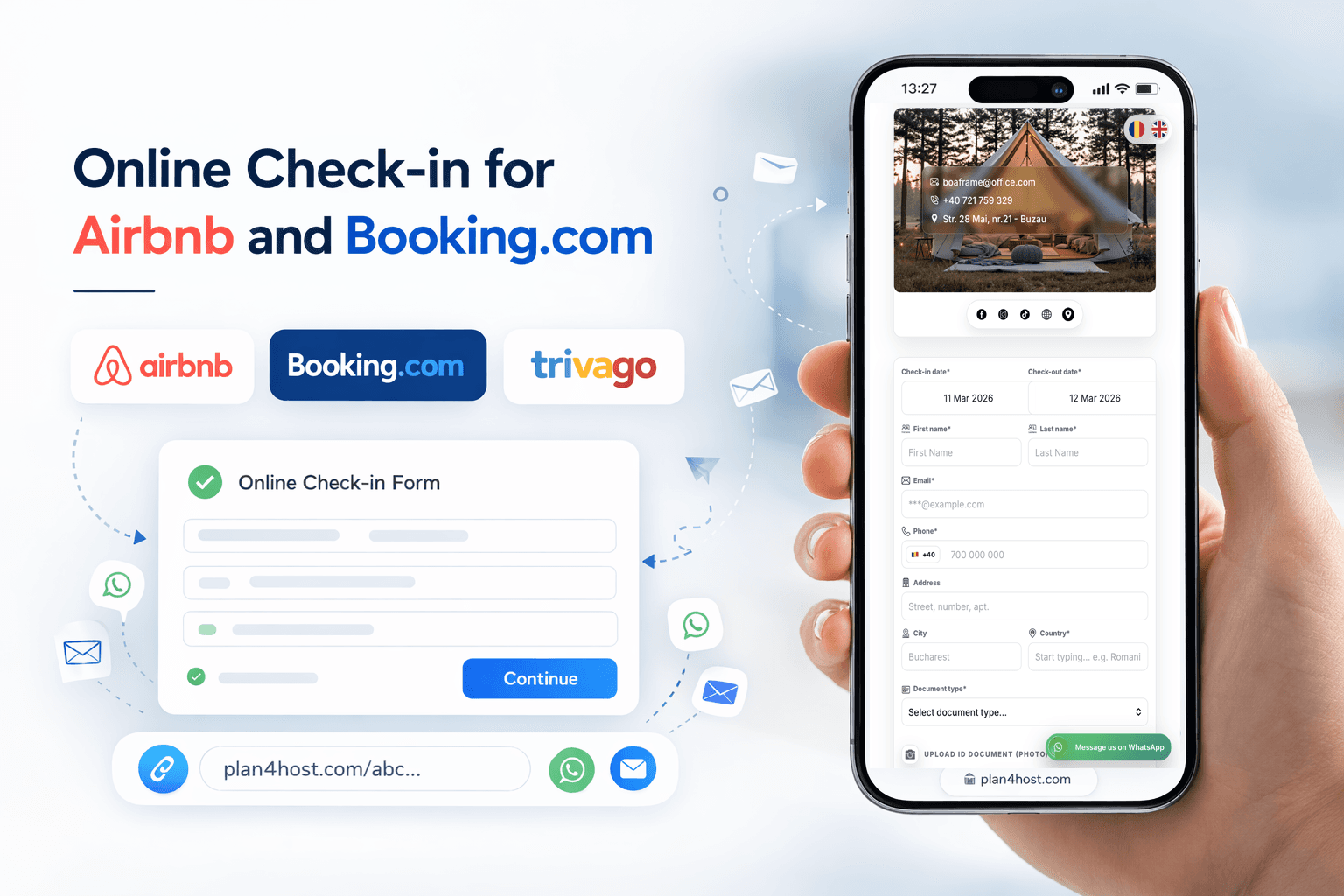
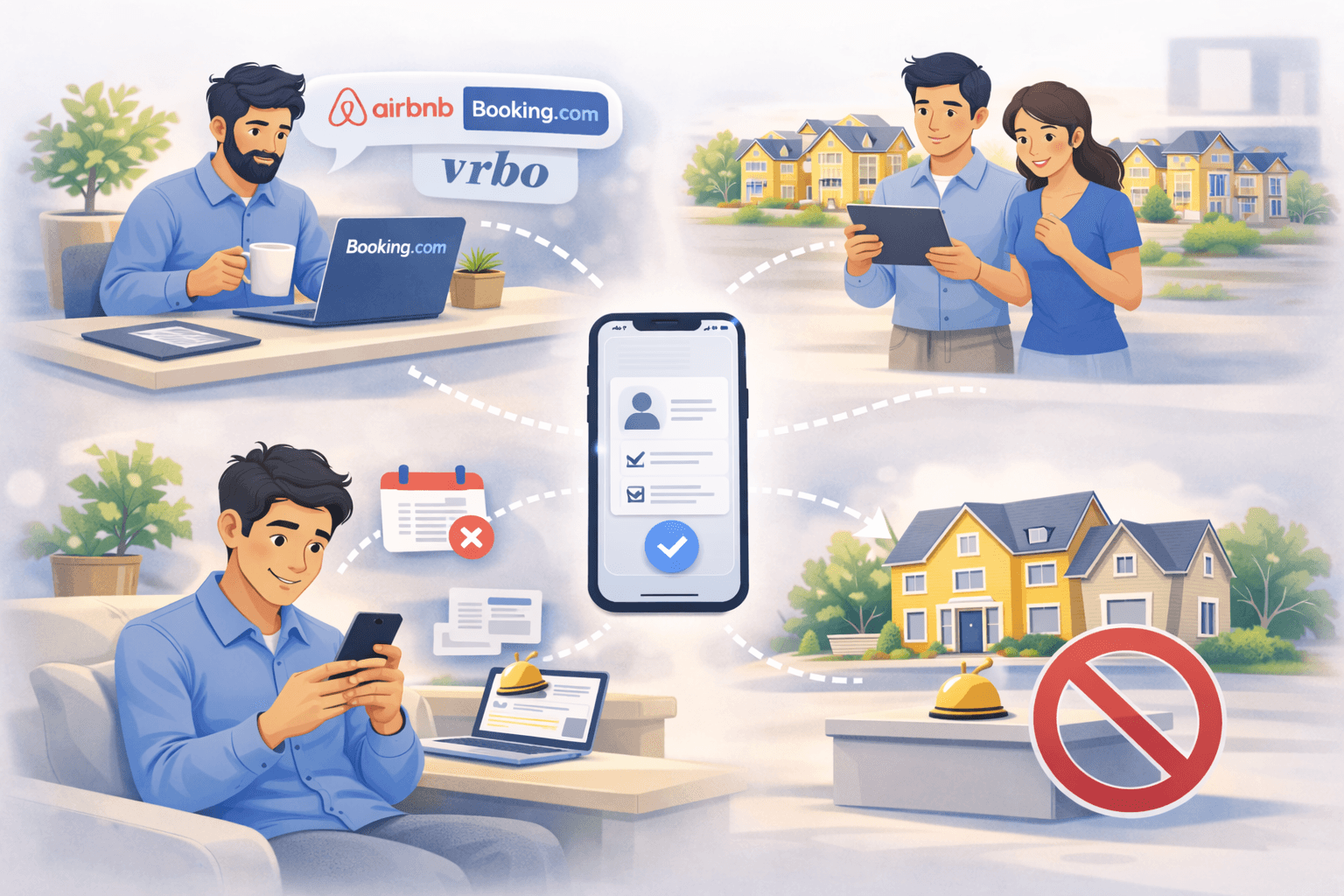
Many hosts search for this exact thing: Airbnb online check-in and Booking online check-in without repetitive messages. In practice, it’s one check-in link you can share from the booking platform, WhatsApp, or email.
Guests complete the form before arrival, and you keep everything in one clear place. Less chasing. More clarity.
Problems with classic check-in
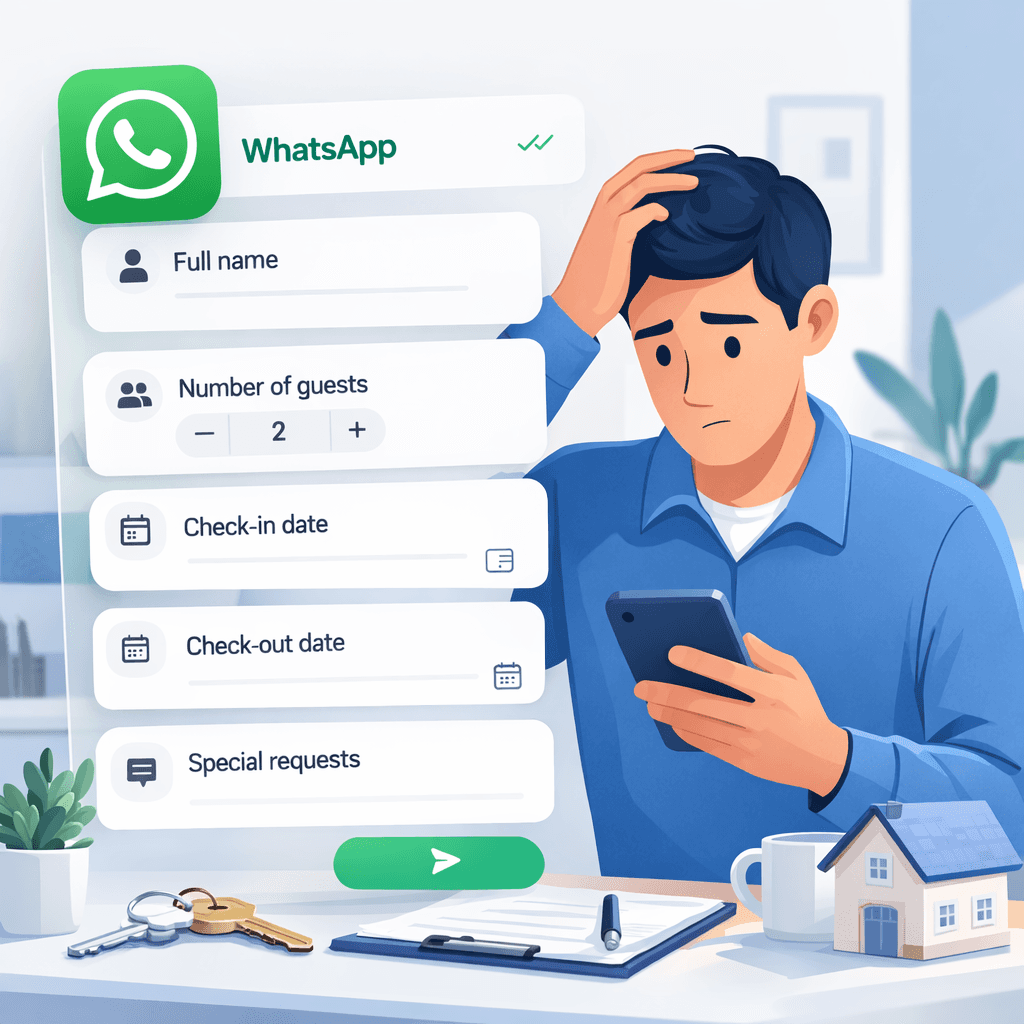
Classic check-in often means:
- last-minute messages
- incomplete information
- repeated questions
- time wasted exactly when you are already busy
Many guests ask the same things:
- what time they can arrive
- where to park
- what documents are needed
- what the property rules are
It repeats from one reservation to the next.
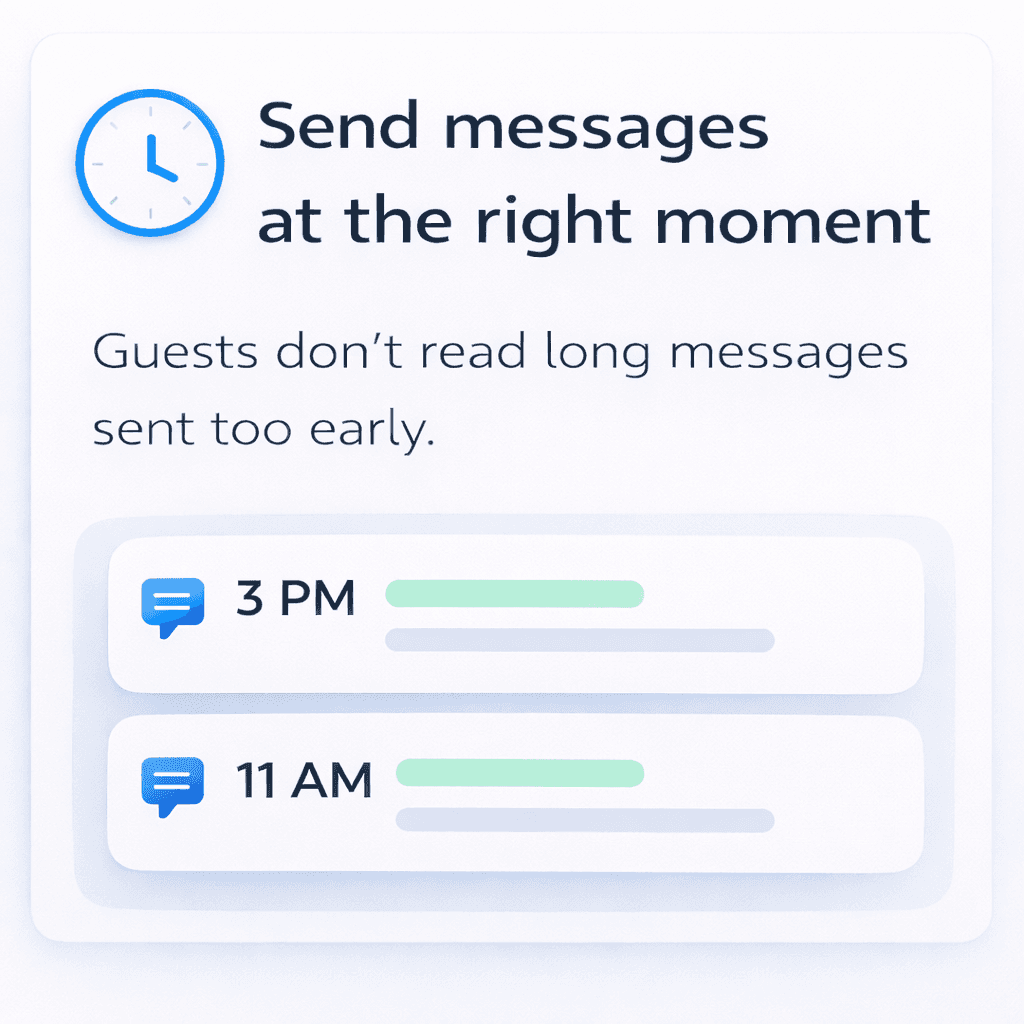
When messages are delivered
With Plan4Host, online check-in follows a simple flow:
The host shares one check-in link. The guest completes the form before arrival. The host receives a notification and confirms the reservation.
Everything is clear before the guest reaches the property.

What the guest fills in
The online check-in form can include:
- identification details
- contact information
- accepting house rules
- other details requested by the host
Guests see exactly what to do, without extra explanations. Hosts receive structured data, without separate messages.
Sensitive guest identification and contact fields are also protected through server-side, application-layer AES-256-GCM encryption applied by Plan4Host, in addition to transport security and provider-level encryption at rest.
What the guest sees after check-in
After completing the form, the guest:
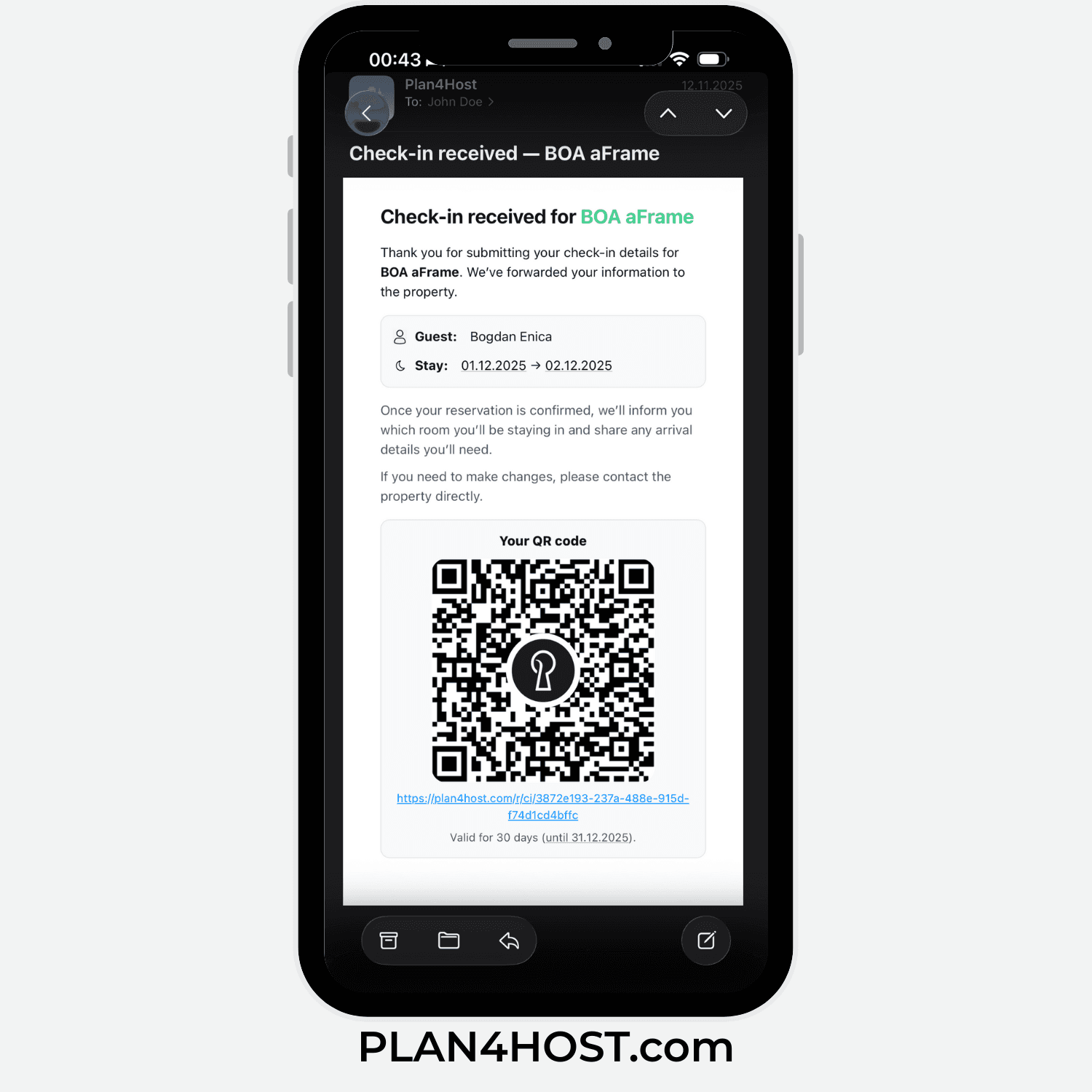
- receives a check-in confirmation
- knows the reservation is registered
- has access to the key information about the stay
No need for manual confirmation messages.
Who benefits the most
Online check-in is a good fit for:
- hosts with one or multiple properties
- people managing the property alone
- hosts who want fewer daily interruptions
- properties without a permanent reception
It is not designed for large hotels with complex processes.
Frequently asked questions
What is online check-in for accommodation?
It is a digital guest form completed before arrival. It helps hosts collect required stay details in one place.
Is online check-in hard for guests?
No. Guests receive one link and complete a simple form.
Can I use the same check-in flow for Airbnb and Booking.com?
Yes. You can use the same guest check-in flow for Airbnb, Booking.com, WhatsApp, email, or direct reservations.
Do I still need to message guests manually?
Less. You can share one check-in link and avoid repeated back-and-forth before arrival.
Can I choose what information to request?
Yes. The form can be adapted to what your property needs.
Can guests complete the check-in form in multiple languages?
Yes. The guest-facing form supports multiple languages, and the confirmation email can follow the language selected in the form.
What guest data can the form collect?
Depending on your setup, the form can collect contact details, stay details, guest identification data, companions, signature, and document metadata.
How is sensitive guest data protected?
Sensitive guest identification and contact fields are protected through server-side, application-layer AES-256-GCM encryption applied by Plan4Host before database storage, in addition to TLS in transit and encryption at rest at infrastructure level.
Where is guest data stored?
Primary application data is stored in EU-based infrastructure, in the Frankfurt, Germany region.
Is guest data encrypted before it reaches the database?
Yes. Plan4Host encrypts protected guest identification and contact fields before database storage, so those values are not written as directly readable text.
Does access to one encryption key expose all protected guest data?
No. Protected categories are separated across multiple encryption scopes and keys, so access to one protected category does not automatically unlock all protected guest data for the same guest.
What happens to ID document images after check-in?
ID document images are removed when the reservation is confirmed or room-assigned. If that moment is missed, scheduled cleanup jobs remove them later according to retention rules.
What happens after a guest submits the form?
You receive a notification and can confirm the reservation inside Plan4Host.
In practice
If you want to see how online check-in works in practice, explore the full flow in Plan4Host.