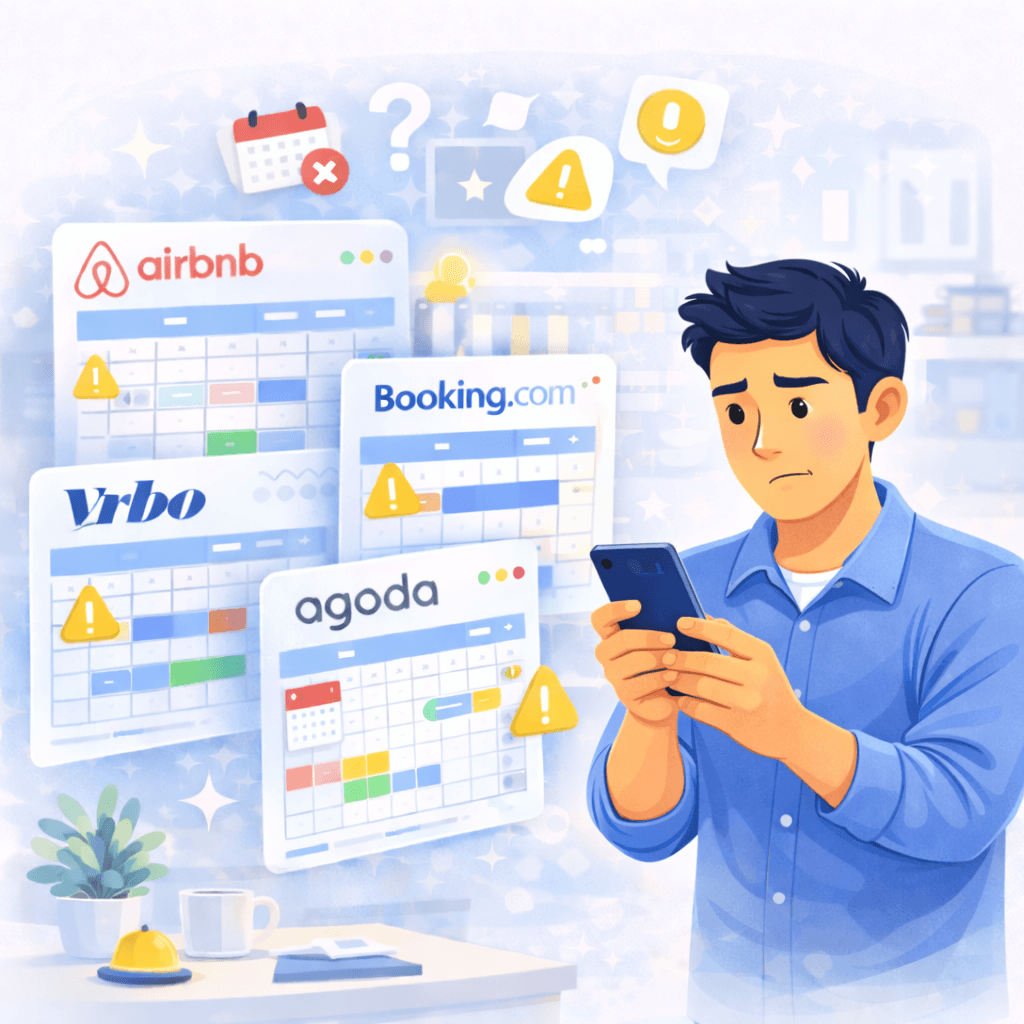
Why double bookings happen
Most double bookings are not caused by one dramatic system failure. They usually come from small mistakes repeated across platforms.
A unit is mapped incorrectly, one export link is missing, or a host checks different calendars instead of one master view.
- one iCal link connected to the wrong room
- calendar export added, but no import back
- entire-property and per-room calendars not blocking each other
- manual checking spread across too many tabs
What a safer iCal setup looks like
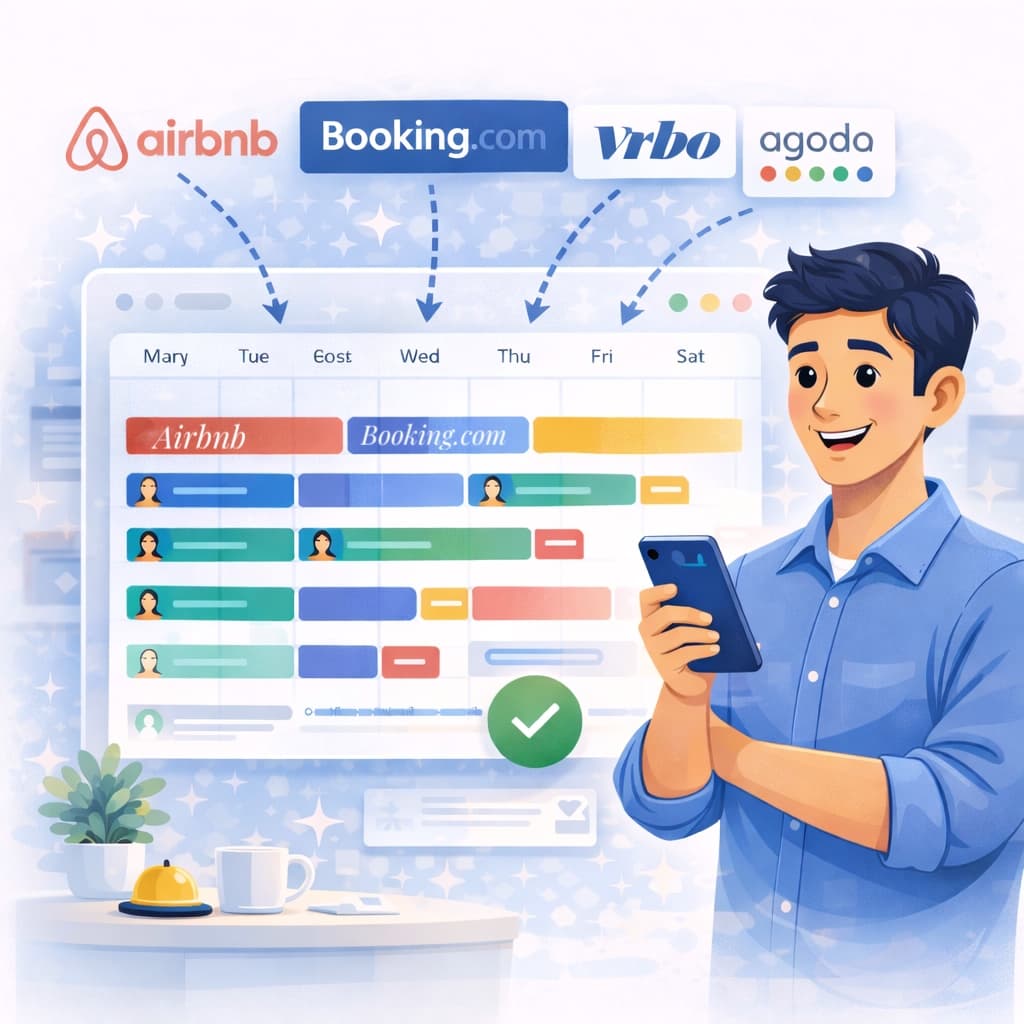
A safer setup is simple: one room structure, two-way sync, and one place where you read reservations first.
Plan4Host helps by turning iCal feeds into a synced booking calendar that is easier to understand day to day.
- use one calendar per real room or unit
- import platform calendars into Plan4Host
- export availability back from Plan4Host
- check reservations in one unified view before acting
The hidden risk: rooms plus entire property
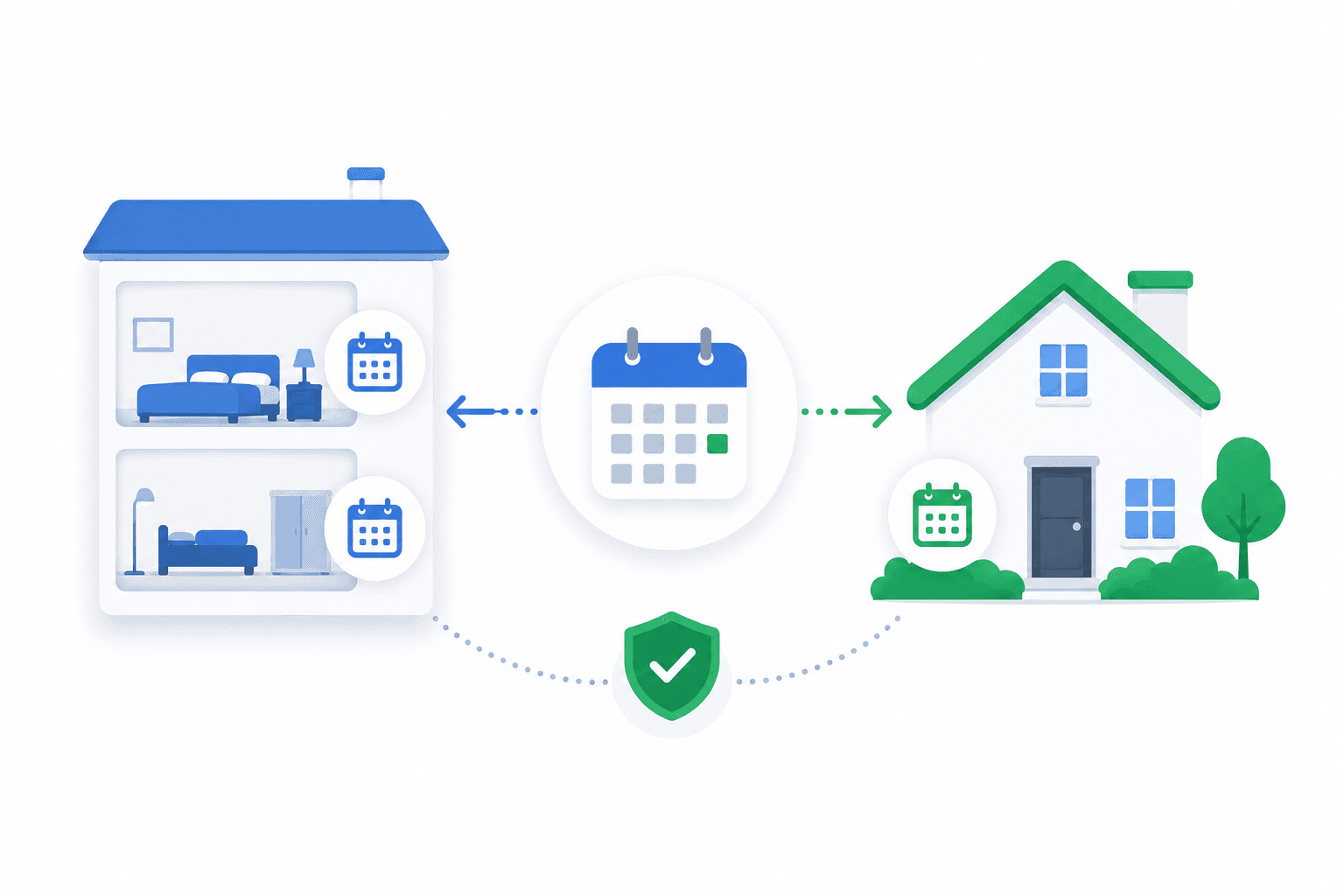
One common edge case appears when a property is listed both per room and as the full property. If those calendars do not block each other correctly, double bookings become much more likely.
The fix is operational, not magical: model the structure clearly and map the iCal links so room bookings and full-property bookings affect the same availability logic.
- keep separate unit calendars where needed
- add a dedicated calendar for the entire property when the OTA setup requires it
- make sure the related calendars block each other
Frequently asked questions
Can iCal completely eliminate double bookings?
iCal reduces the risk a lot when it is mapped correctly, but the setup still needs clean room structure and two-way sync.
What is the biggest iCal mistake?
The most common mistake is connecting the wrong room or exporting availability only one way.
Do I need one calendar per room?
Yes, if the platforms sell rooms separately. Clean one-room-per-calendar mapping makes iCal much safer.
Does Plan4Host sync prices through iCal?
No. iCal is used for reservation timing, blocked dates, and availability flow, not price automation.
A clearer way to reduce booking conflicts
If you want fewer overlaps and less second-guessing, start with one unified reservation view and cleaner iCal mapping.