Synced booking calendar for Airbnb and Booking.com
Managing reservations across several platforms quickly becomes confusing. A synced booking calendar brings Airbnb, Booking.com and direct reservations into one place, so you can see what is booked and what is still available.
No switching between platforms · No double-checking availability
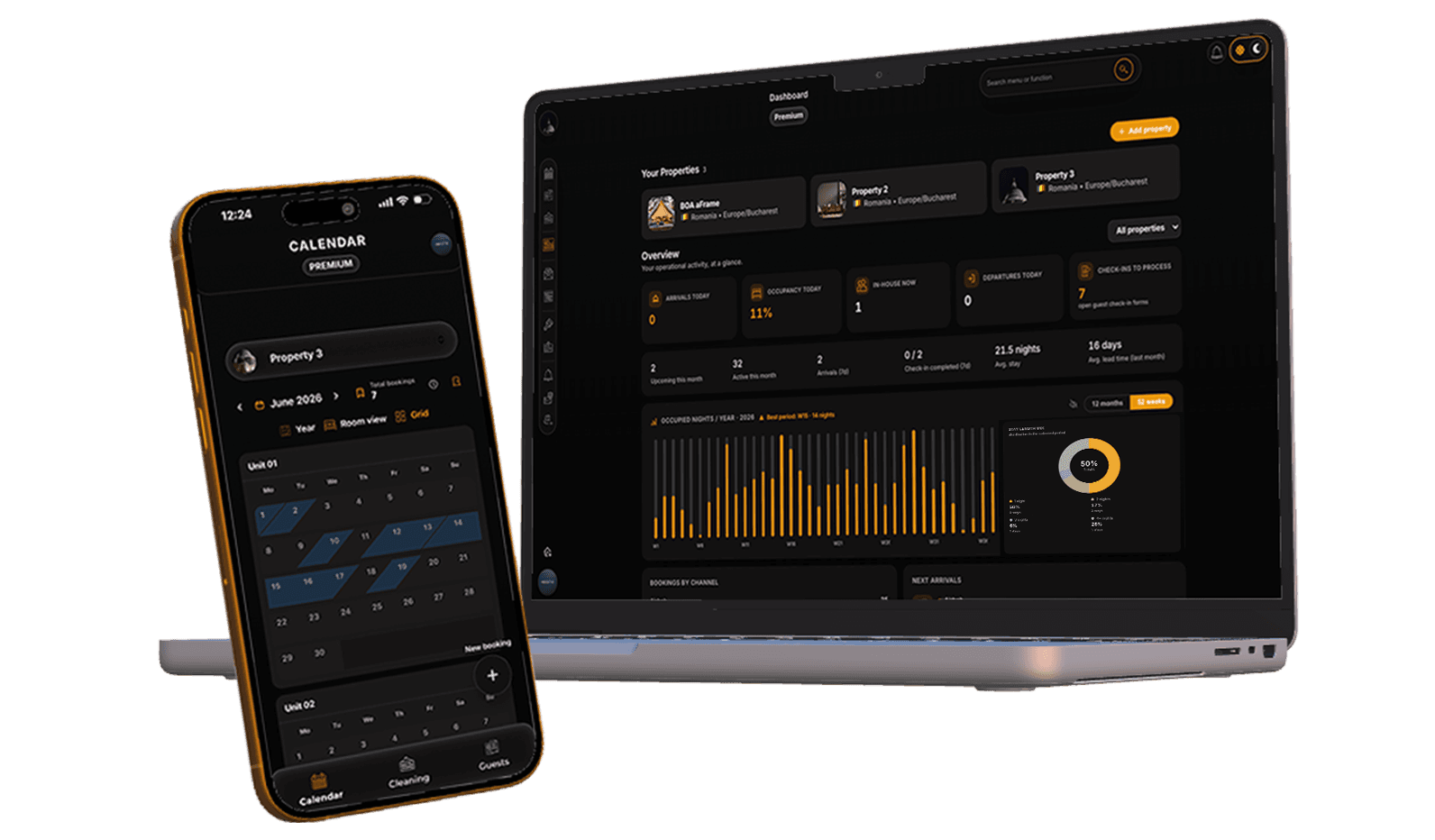

What a synced booking calendar means
A synced booking calendar displays reservations from different booking platforms in one organized view.
Instead of checking Airbnb, Booking, and other channels separately, everything appears in one organized view. Each reservation is synced automatically and updated as changes happen.
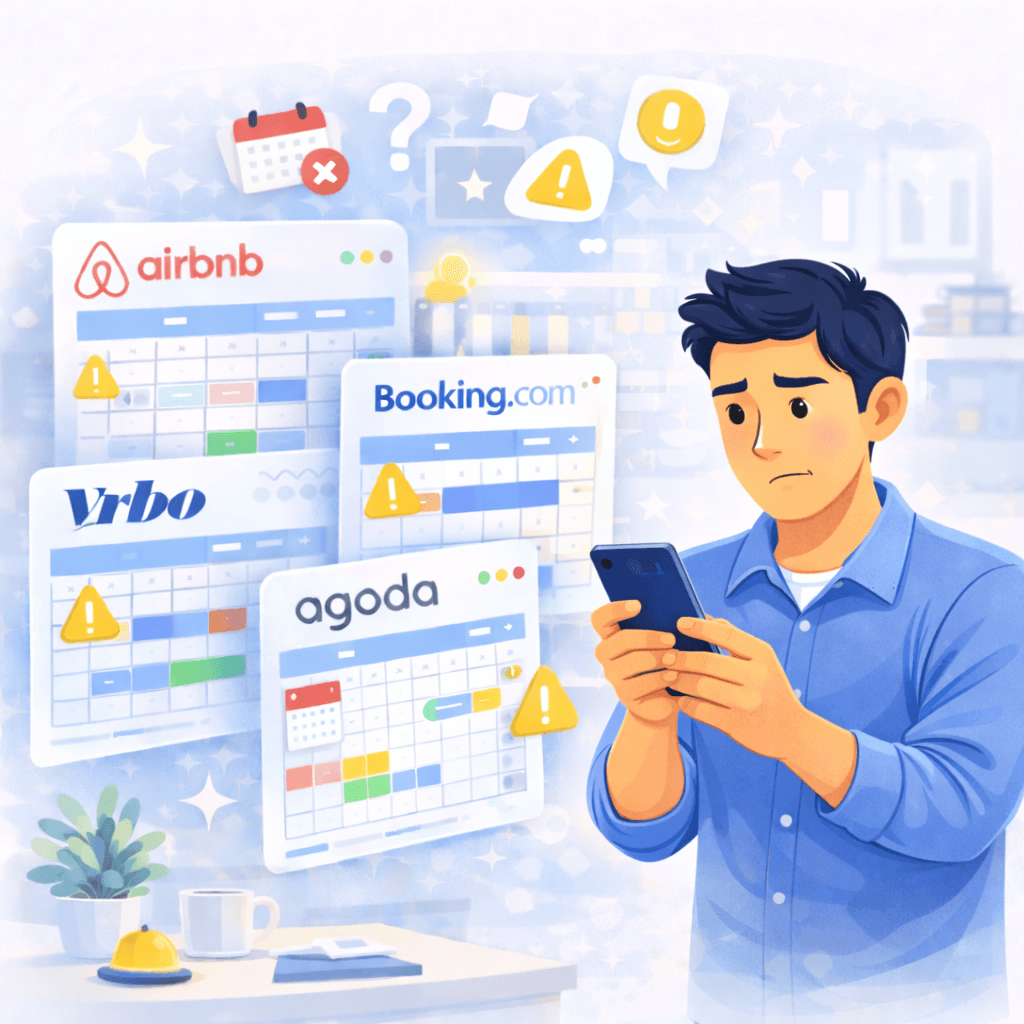
The problem with multiple booking calendars
When reservations are spread across different platforms:
- availability becomes hard to track
- overbooking is a real risk
- changes are easy to miss
- daily planning takes more time than necessary
Even for small accommodations, multiple calendars create unnecessary stress.
How a synced booking calendar works with Plan4Host
Plan4Host uses iCal synchronization to collect reservations from all platforms into one calendar. The workflow is simple:
All reservations are displayed clearly, by date and by unit, without manual updates.
Which platforms can be synced
The synced booking calendar works with:
- Airbnb
- Booking.com
- Expedia
- Travelminit
- any booking platform that provides iCal links




What you see in the synced calendar
Inside the synced calendar, hosts can see:
- check-in and check-out dates
- reservation duration
- assigned room or unit
- reservation status
Everything is visible from a single screen, without switching tools.
Why a synced booking calendar matters
A synced booking calendar:
- reduces the risk of overbooking
- saves time every day
- provides a clear overview of availability
- creates a reliable base for automation
It is the foundation for online check-in and automatic guest messages.
How the calendar connects to online check-in
Once reservations are synced into one place, guests can be guided to complete online check-in before arrival. After check-in is completed and the reservation is confirmed, guest communication becomes structured and predictable.
This is how the full workflow stays organized.
Who this is built for
A synced booking calendar is useful for:
- Airbnb and Booking hosts
- short-term rental accommodations
- apartments, cabins, and guesthouses
- hosts managing multiple units
- small teams without a front desk
It is designed for real hosting workflows, not enterprise hotel chains.
A synced booking calendar is the starting point
Online check-in is where the guest experience begins.
Frequently asked questions
How do I sync my Airbnb calendar with Booking.com?
Connect each platform's iCal export to the same unit in Plan4Host, then add the Plan4Host export URL back to Airbnb and Booking.com. This keeps reservations and blocked dates aligned.
Is Plan4Host an Airbnb and Booking.com channel manager?
Plan4Host syncs calendars through iCal and adds online check-in, guest messages, and daily operations. It is not positioned as a full real-time API channel manager for pricing and distribution.
Is synchronization automatic?
Yes. Calendars are synced automatically at regular intervals.
Can I use it for multiple rooms or units?
Yes. Each room or unit can have its own calendar inside the same synced view.
Is iCal synchronization safe?
Yes. iCal is the standard method used by booking platforms.
What happens after a reservation appears in the calendar?
The synced booking calendar becomes the base for online check-in and structured guest communication.